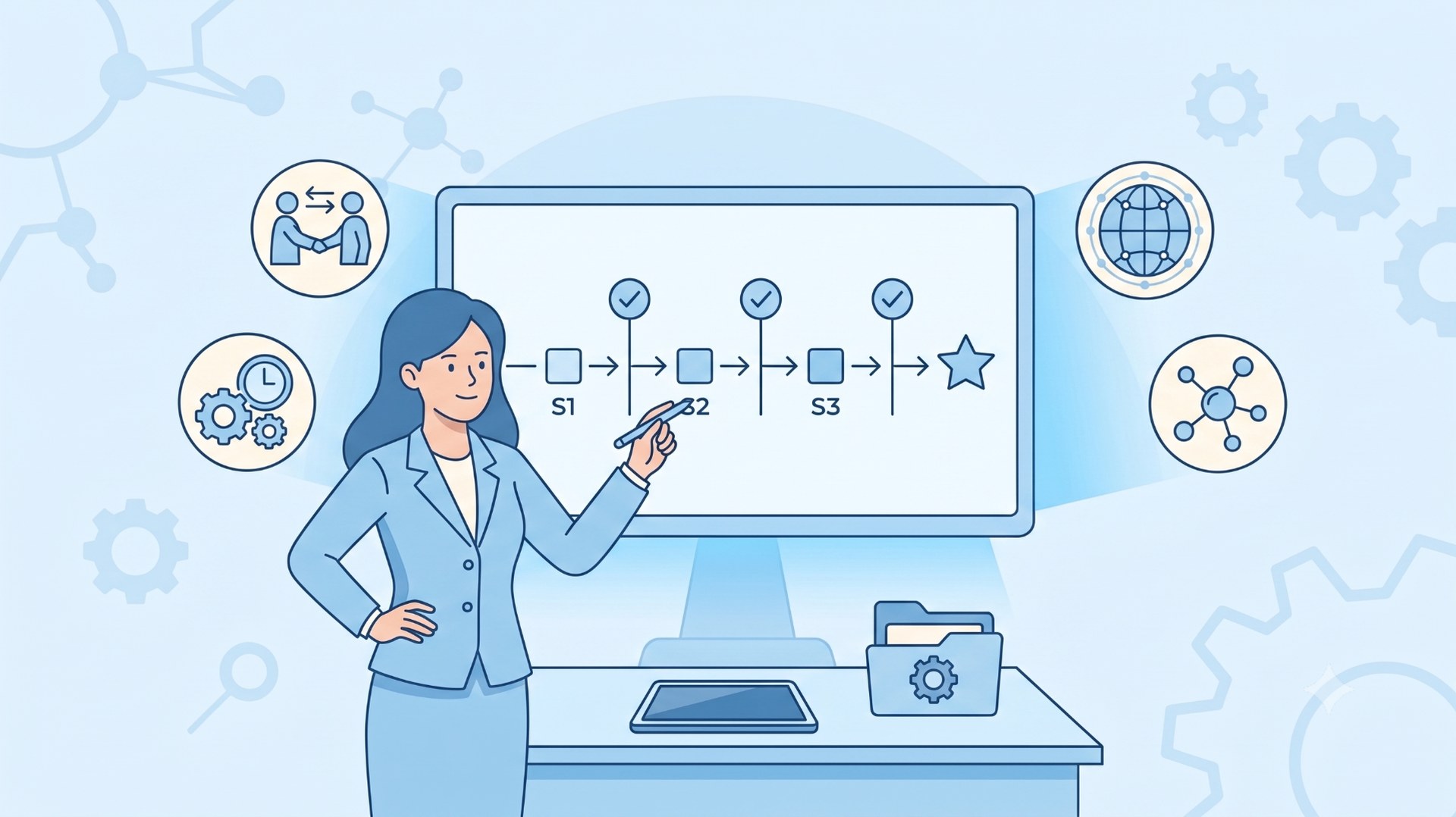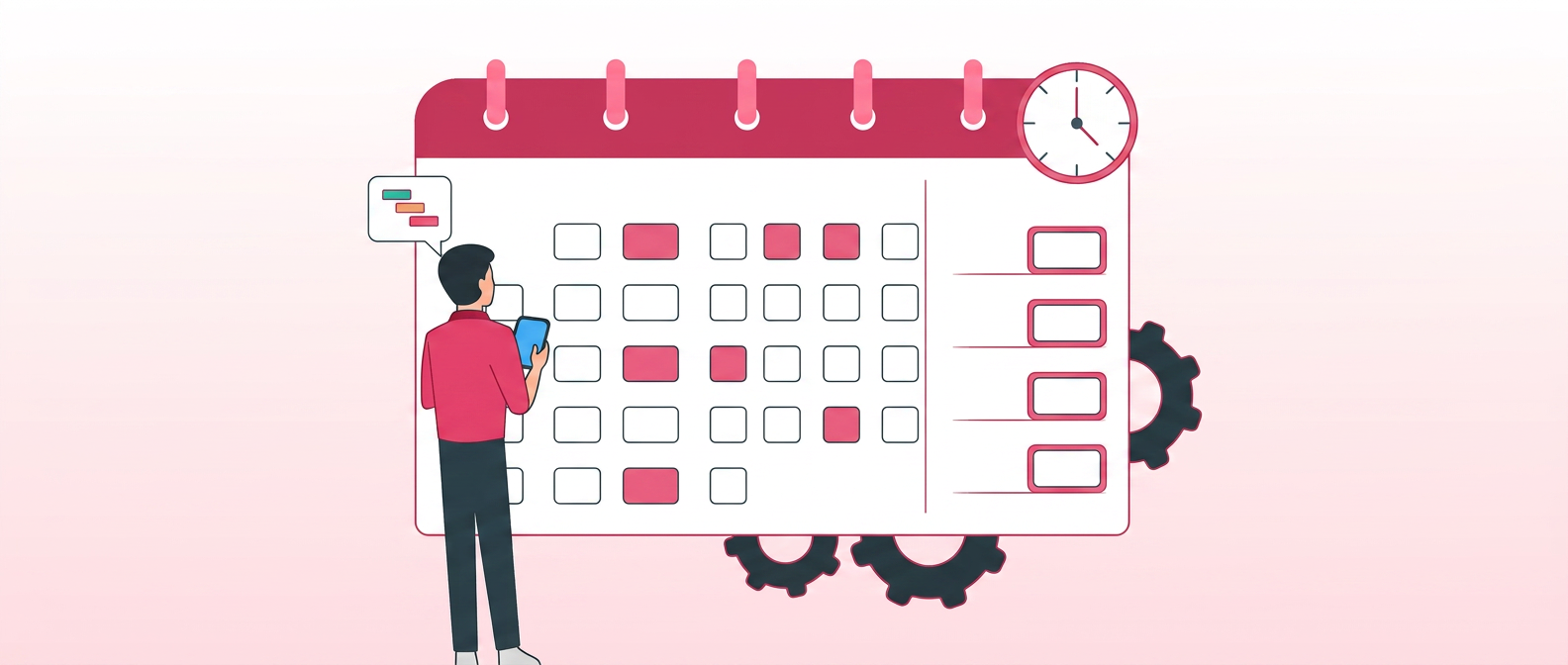
A comprehensive guide to project scheduling covering essential steps, top scheduling techniques, project management software categories, certifications, and a full glossary of key terms.
Introduction
Dipping your toes into project scheduling might come with a whirlwind of questions: from assembling a cohesive schedule to identifying the right tools tailored for your needs. While this guide is directed at beginners, its depth ensures that project managers and schedulers at all stages will find value. Eager to unravel the intricacies of effective project scheduling? Let's embark on this journey together.
Chapter 1: Getting started
It's essential to differentiate project scheduling from project planning. While scheduling is a segment of the planning process, it plays a pivotal role in ensuring timely project delivery (after all, how can you determine punctuality without a schedule?). Consider this as your foundational step: a meticulously crafted schedule will navigate you throughout the project lifecycle, ensuring you remain aligned with your goals. Below are the essential steps to craft an effective project schedule:

1. Define your project scope
Engage all stakeholders in this pivotal step. The project scope clearly captures the desired project outcomes and the requirements for its completion. Within it, you'll detail the resources involved, along with cost and time parameters. Based on the scope, you'll devise a work breakdown structure (WBS), outlining all tasks and breaking them down into distinct deliverables.
2. Determine task sequencing
Once you have your Project Scope and Work Breakdown Structure (WBS), you can derive the set of tasks that need to be completed. Remember, the WBS outlines what needs to be done - not how or when. After listing the tasks, determine their optimal sequence and estimate the necessary time and resources for each.

3. Group tasks into phases
Every project can be divided into distinct phases, with each phase focusing on specific objectives. Commonly, projects follow these five phases:
1. Project conception (the idea): This phase gauges the project's viability. It assesses the project's potential benefits to the organisation and its feasibility.
2. Definition and planning: In this stage, the project scope is delineated, encompassing the tasks to be executed. Budgets, schedules, and necessary resources are also determined here.
3. Project launch: The actual execution begins. Resources are allocated, tasks are carried out, meetings convened, and periodic status updates are provided.
4. Performance monitoring: Through Key Performance Indicators (KPIs), the project's progress is tracked against set expectations.
5. Project closure: The final phase signifies project completion. A post-project evaluation, often through a post-mortem meeting, is conducted to discuss what went right and what could be improved.
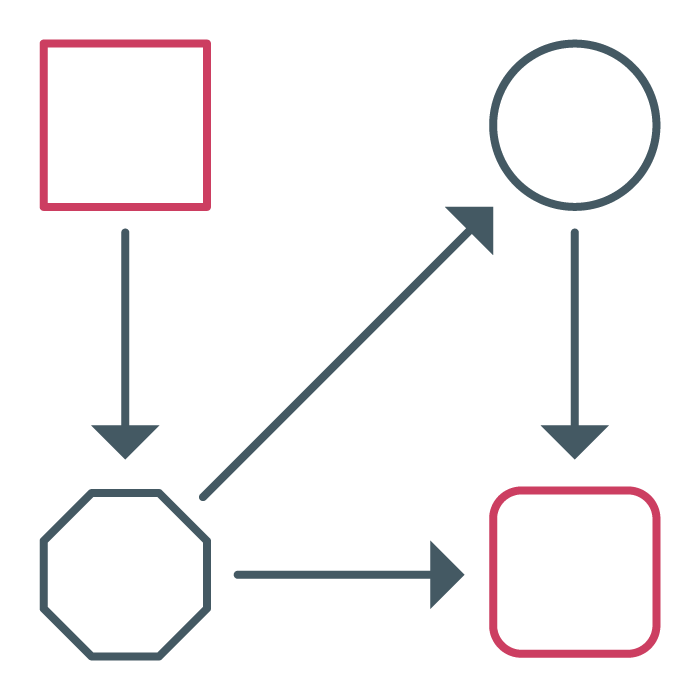
4. Identify task dependencies
After you have a clear view of all the deliverables and what's required to complete them, it's time to start mapping out the dependencies between the tasks, i.e. which tasks require another task to be started or finished before it can be performed. The dependency map will outline the relationships between tasks. There are 4 types of dependencies to consider:
Finish-to-Start (FS): A task must be completed before the next one can begin.
Start-to-Start (SS): A task must be initiated before the next one can start.
Finish-to-Finish (FF): A task must be completed before or simultaneously with another.
Start-to-Finish (SF): A task must begin before another one can be completed.
5. Determine your critical path
The critical path is the longest sequence of dependent tasks in your project - the chain that determines the earliest possible finish date. A delay to any task on the critical path pushes back the entire project; a delay to a task not on the critical path (one with "float," or spare time before it affects the finish date) doesn't.
Using the launch example above: if "finalize design → build prototype → user testing" is the only path from start to finish, all three tasks sit on the critical path, and a one-week delay in design means a one-week delay in launch. If a fourth task, "order packaging," can happen any time during those 7 weeks without pushing the finish date, it has float and isn't on the critical path.
Knowing your critical path tells you exactly where to focus: tasks on it need buffer and close monitoring; tasks off it have flexibility you can use elsewhere. This is the core idea behind the Critical Path Method (CPM), one of the most widely used scheduling techniques in project management. Read our full guide to the Critical Path Method →

6. Define project milestones
Think of milestones as significant markers within your project journey, helping gauge if you're on the right path. Unlike tasks, milestones don't have a duration; they signify key progress points towards the project's end goal.
There are typically two milestone categories:
- Internal milestones: Utilised by your project team to track progress and maintain their timelines.
- External milestones: Shared with stakeholders, marketing teams, or the press, typically tied to broader project phases.
7. Allocate your human resources
With a defined activity timeline in hand, it's time to assign roles. Pair tasks with individuals based on their expertise. Remember, it's rare for team members to dedicate 100% of their time to the project. Typically, you'd allocate 80% for project tasks, leaving 20% for other duties and administrative work.
8. Set start and end dates
Upon finalising your project schedule, you'll have a clear picture of the milestone timelines and overall project duration. Now, you can confidently set the start and due dates. While doing so:
- Factor in public holidays and team members' off days.
- Ensure thorough mapping of task dependencies.
- Define clear milestones.
- Set realistic task durations.
- Determine project duration before finalising the due date.
- Allocate team members for roughly 80% of their capacity.
- Add a buffer for unexpected changes.
- Stay adaptable to possible rescheduling, due to unforeseen circumstances.
- Lastly, be prepared for "surprises" and always have a contingency plan (Plan B) in place.
Chapter 2: Exploring the top 3 project scheduling techniques
Having understood the essential components of a project schedule, it's time to delve into the methodologies available. The method you select often depends on your expertise and the intricacies of your project. Let's dive into the most common project scheduling techniques:
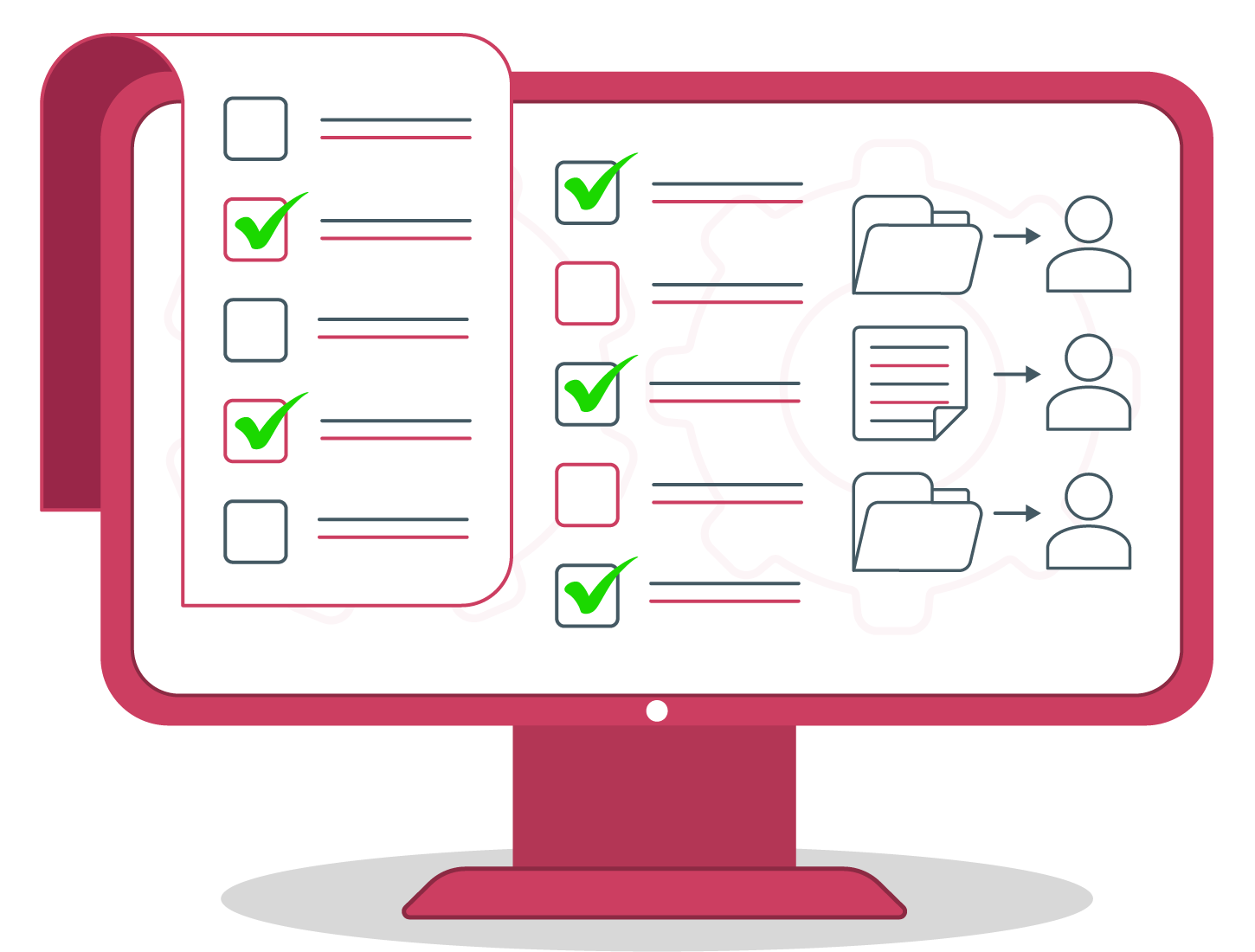
1. Task list: simple, yet limited
At its core, the task list stands as the most straightforward scheduling approach. It entails listing tasks for each team member, usually within a spreadsheet or word processor. Its simplicity and familiarity make it ideal for smaller ventures. Yet, when applied to larger projects with myriad tasks, dependencies, and resources, it falls short. Its limitations become evident in collaboration and commenting, especially if not web-based. The absence of versioning can lead to errors, productivity loss, and the chaos of juggling multiple document versions. Without integration into a broader system, manual updates become cumbersome, and tracking progress becomes a challenge. For a more visual representation, tasks can be portrayed using a Gantt chart, employing the stacked bar chart technique.
| Pros | Cons |
|---|---|
| Quick and easy to set up | Lacks a global view of the project timeline |
| Microsoft Office is the only tool you need | Limits collaboration |
| Task assignments made simple | Absence of version history |
| Inability to track progress in real-time |
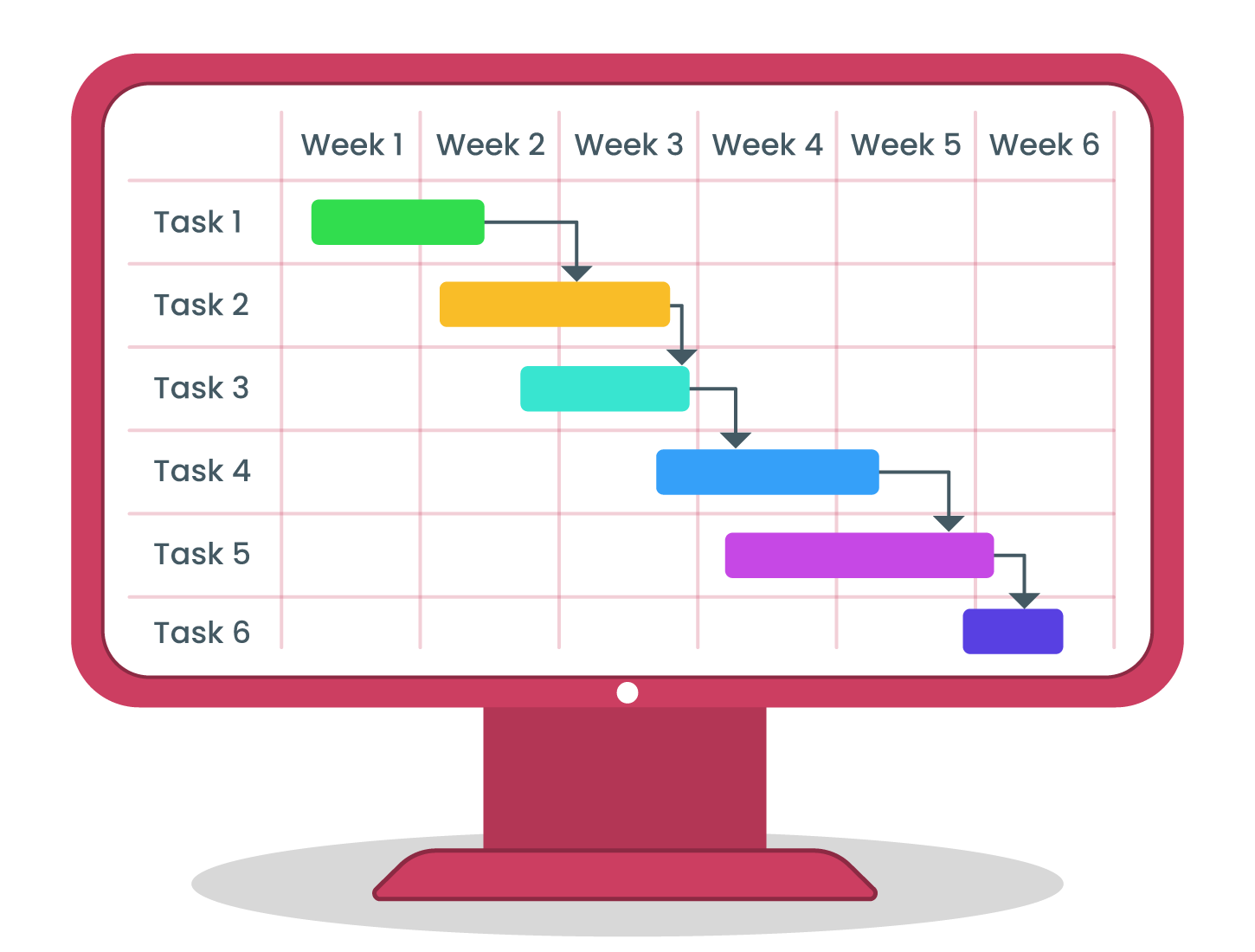
2. Gantt chart: a visual overview of project timelines
A Gantt chart lays every task in your schedule out as a horizontal bar along a timeline, so you can see start dates, durations, and overlaps at a glance. Each bar represents one task; its length shows how long that task takes, and its position shows when it starts and ends relative to every other task in the project.
For example, imagine a product launch with three tasks: "finalize design" (2 weeks), "build prototype" (3 weeks, starting after design), and "user testing" (2 weeks, starting after the prototype is built). On a Gantt chart, these three bars sit end-to-end, showing at a glance that the whole sequence takes 7 weeks - and if design slips by a week, you can see immediately which downstream tasks shift with it.
Most modern project management software, including Cerri Project, lets you build and update Gantt charts directly from your task list - with dependency mapping, critical path highlighting, and multi-project timelines built in - so the chart stays in sync with the plan automatically instead of being a static picture you redraw by hand. See Cerri Project's Gantt chart capabilities →
However, if the Gantt chart operates outside an integrated project management system, it shares similar drawbacks with the task list: limited collaboration capabilities, lack of versioning, and challenges in real-time progress monitoring.
| Pros | Cons |
|---|---|
| Versatile across industries and projects | Lacks depth when standalone and not integrated into a project management system |
| Offers clear progress visualisation | Absence of version history |
| Enables precise deadline setting and dependency mapping | Limits collaboration |
| Highly adjustable | Inability to track progress in real-time |
| Can be created in Microsoft Excel or within a project management system | |
| Streamlines task assignment to resources |
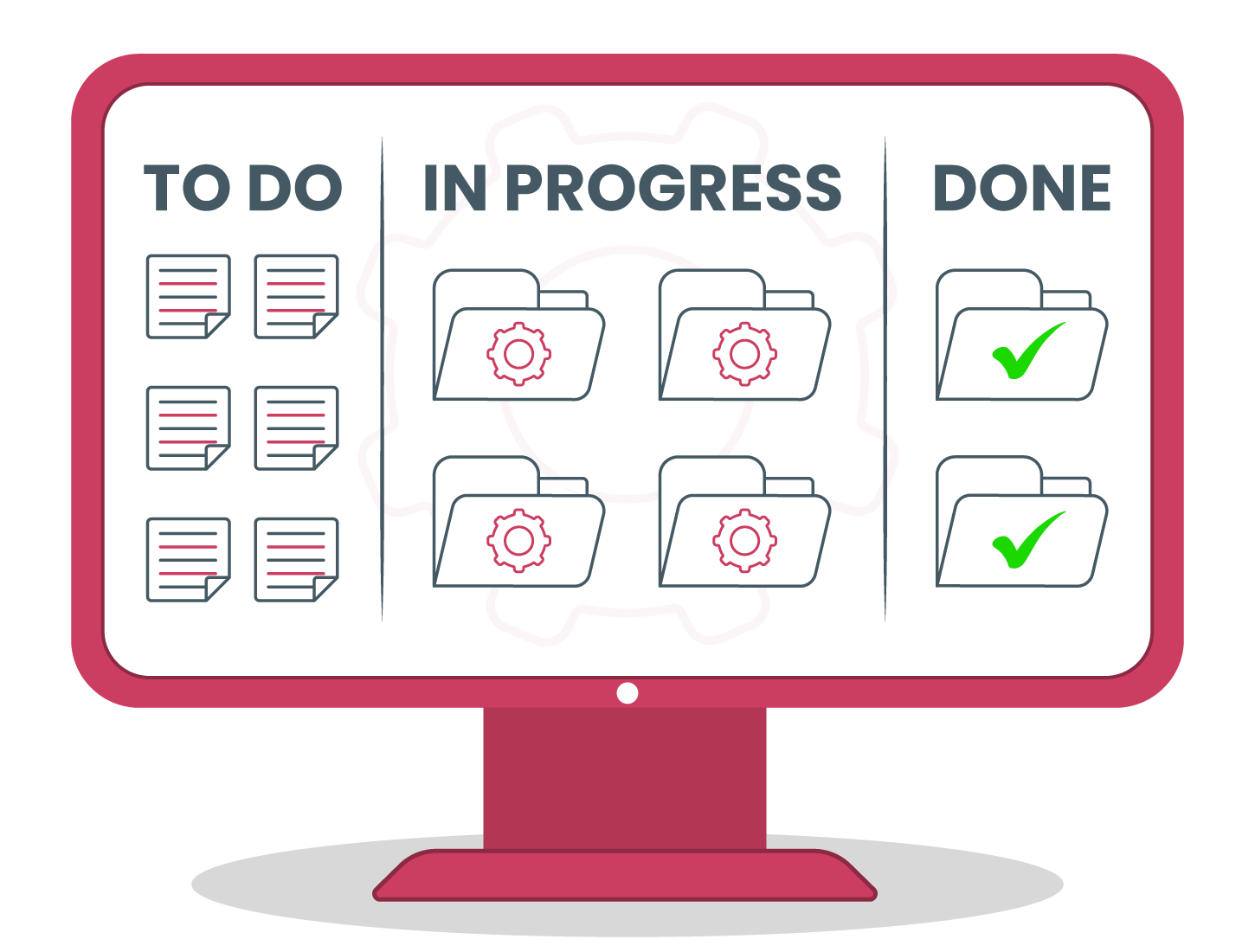
3. Kanban: a visual workflow of task progression
Kanban, derived from Japanese manufacturing processes, is a visual tool that aids in managing the progression of tasks through various stages. Its main premise is to employ a board (physical or digital) where tasks are represented as cards. These cards move across columns, typically denoting stages like "To Do," "In Progress," and "Done." This methodology emphasises limiting the number of tasks in any stage, termed as 'Work In Progress (WIP) limits,' to enhance efficiency and ensure smoother task flow.
Kanban boards are highly adaptive, allowing teams to customise stages based on project or workflow nuances. The visual representation provides immediate insight into the status of tasks, bottlenecks, and overall project flow. Integration with project management tools and software brings features like collaboration, commenting, and real-time updates. However, unlike Gantt charts, Kanban doesn't focus on task duration or hard deadlines, making it a fit for ongoing processes or projects that prioritise flexibility over strict timelines.
| Pros | Cons |
|---|---|
| Provides clear visibility into task status and bottlenecks | Lacks emphasis on task durations and hard deadlines |
| Promotes continuous delivery and improvement | Can become cluttered with large projects if not managed well |
| Highly adaptable to various workflows and processes | Requires regular review and refinement for maximum efficiency |
| Facilitates collaboration with integrated digital platforms | Might not be suitable for projects that demand strict phase-based progress tracking |
| Enforces task prioritisation through WIP limits | |
| Reduces multitasking and focuses on task completion |
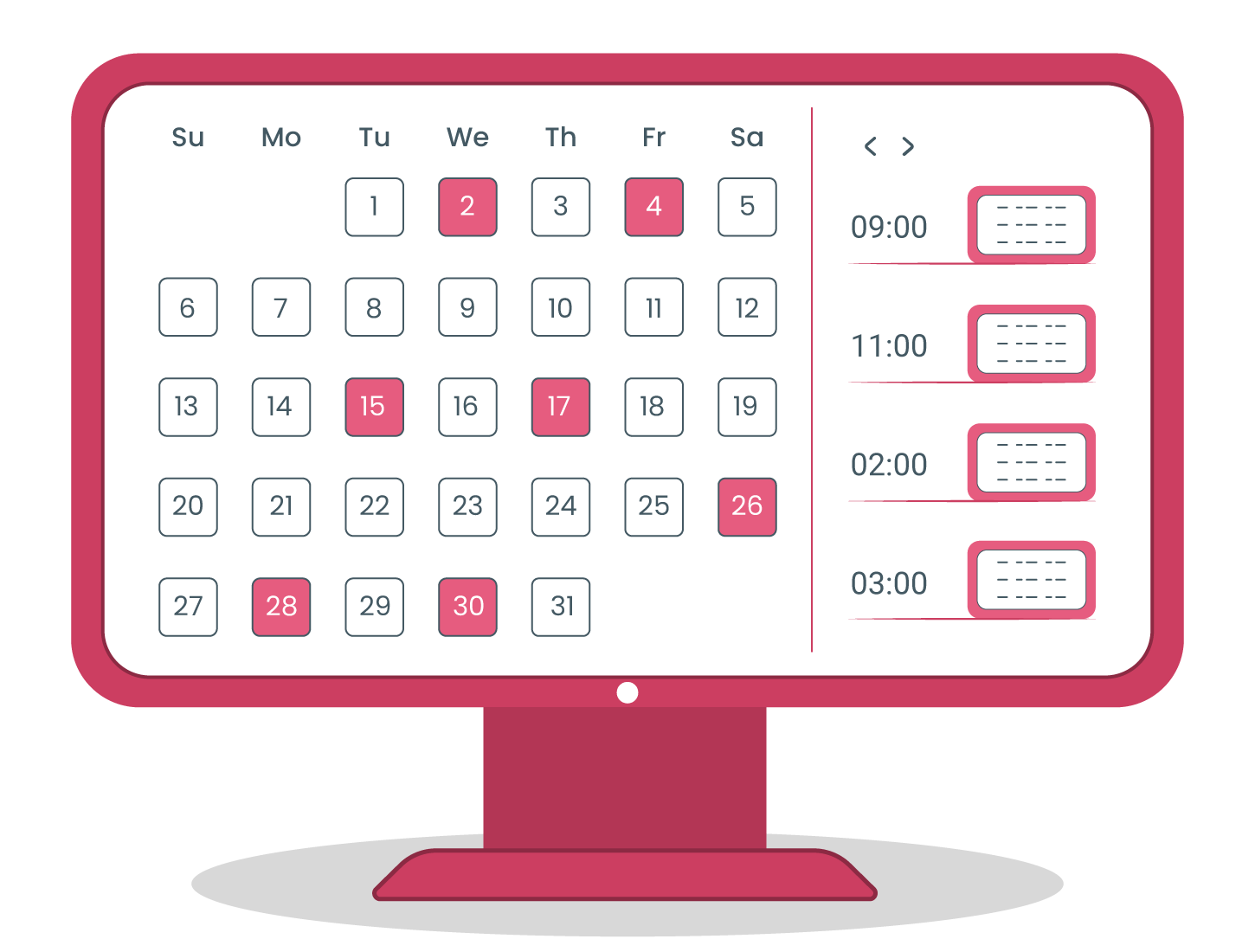
4. Calendar: a visual tool for task timelines
Utilising calendars for project scheduling can be intuitive, yet it's often overlooked. Many calendar tools allow for the creation of distinct calendars, labelled per project. By setting events within these calendars, tasks get visually plotted, providing a timeline view of the entire project. Additionally, sharing capabilities make it easy to keep team members in the loop. However, despite its visibility perks, it falls short in task assignment and dependency representation.
| Pros | Cons |
|---|---|
| Clear visibility of tasks on a timeline | Inability to assign tasks |
| Highly adjustable | No representation of task dependencies |
| Easily shareable among team members |
Chapter 3: Navigating project management software
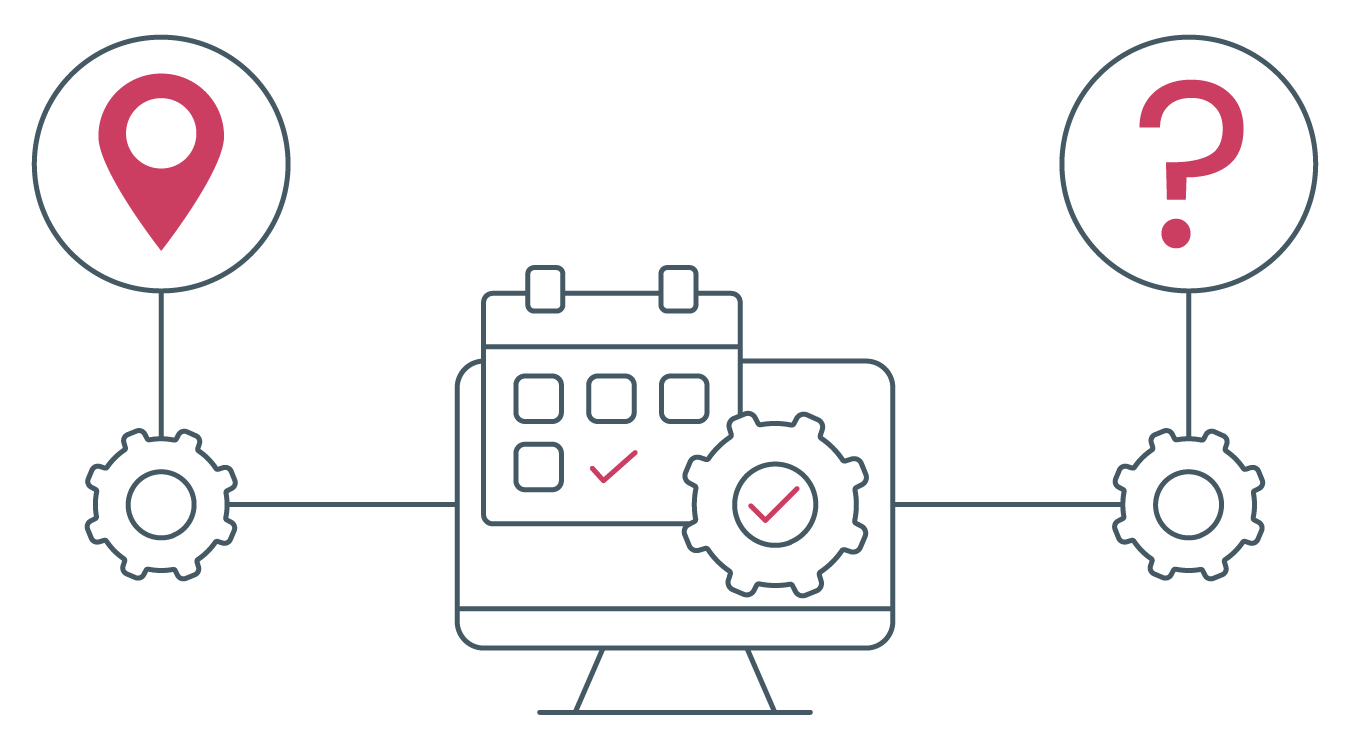
Project management systems typically come equipped with scheduling tools like Gantt charts, project charters, and features for resource management. Should you choose to adopt PM software, discerning between its various categories is essential to align with your specific requirements.
Let's delve into the five primary categories of Project Management (PM) and Project Portfolio Management (PPM) software solutions:
| PPM/PM categories | Definitions |
|---|---|
| Project Collaboration | Focuses on the fundamental communication and sharing of project-related details, documents, and emails to enhance project outcomes. |
| Project Management | A "bottom-up" method tailored to managing project facets like personnel, timelines, scope, budget, and activities. It's dedicated to achieving results within a specific timeframe, defined by the end-user or stakeholder. |
| Enterprise Project Management (EPM) | Adopts a comprehensive approach to project handling, emphasising the broader impact on individuals, processes, and corporate goals. The aim is to create a project management environment tethered to interrelated objectives and a specific talent pool with limited availability. |
| Professional Services Automation (PSA) | Manages the full spectrum of service-centric projects. This starts from sales (via CRM) to project delivery and culminates in time tracking, billing, and invoicing, all of which get integrated back into accounting. |
| Project Portfolio Management (PPM) | Embraces a "top-down" strategy to ensure projects, both potential and active, align with corporate goals. This involves categorising projects into portfolios based on available resources and overarching objectives. |
Chapter 4: Courses & certifications

Research has shown that a significant portion of projects falter due to inadequate scheduling. Additionally, many organisations tend to undervalue the significance of a structured scheduling process.
Though tools like project management software offer substantial help in project scheduling, such statistics emphasise that there's more to consider. Delving deeper into a topic not only enriches your understanding but also enhances the value you bring to your work. For those engaged in project management, honing your scheduling capabilities will undoubtedly give you an edge over others.
Ways to get certified
There are several avenues to pursue certification in project scheduling.
One approach is to explore local or nearby universities offering project management certifications, which often encompass specialised courses on project scheduling. The convenience of online offerings means you can expand your search to universities beyond your immediate vicinity.
Additionally, the Project Management Institute (PMI) stands out as a top recommendation. It's renowned as one of the most esteemed institutions in the realm of project management.
Courses / certifications
- PMI Scheduling Professional (PMI-SP)
- APMG International - Project Planning & Control
Chapter 5: FAQ
Q: What is a project schedule in Project Management?
A: A project schedule outlines the tasks to be completed, their durations, start and end dates, assigned team members, and the overall timeline for the project's completion. It serves as a roadmap guiding the project's progression.
Q: How many milestones are necessary for my schedule?
A: The number of milestones isn't fixed. They should correspond to the project's significant progression stages. By marking these pivotal moments, milestones also inspire the team, serving as tangible short-term achievements during the project's journey.
Q: What is a Gantt chart in Project Management?
A: A Gantt chart is a graphical representation that illustrates tasks alongside their respective timelines, providing a clear snapshot of project schedules and deadlines.
Q: Where can I find Gantt chart templates?
A: Numerous free templates are available online. Additionally, if you're utilising a PPM solution, it typically comes with an integrated Gantt chart feature.
Q: Can I modify my schedule?
A: Absolutely. Schedules should be dynamic and regularly updated to reflect changes.
Q: Is certification mandatory to become a PM?
A: Not necessarily. While certain project manager roles might prefer or require certification, many positions do not mandate it.
Q: Are milestones essential in a project?
A: Definitely. Milestones are crucial markers to assess and track the project's advancement.
Q: What does WBS represent?
A: WBS, or Work Breakdown Structure, refers to the hierarchical breakdown of a project into its individual deliverables and tasks, making it easier to manage and execute.
Q: Are a project schedule and a project management plan the same thing?
A: No, they aren't. While a project schedule focuses on specific timelines, due dates, and durations, the project management plan is broader, encompassing elements like objectives, scope, budget, and including the project schedule itself among other components.
Q: Can the critical path be altered?
A: Yes. The critical path is an estimation based on project durations. Any shifts in task start or end dates can lead to adjustments in the critical path.
Q: What is a "roadmap" in Project Management?
A: In Project Management, a roadmap refers to a visual representation that outlines the project's primary goals and deliverables, plotted over a specific timeline.
Q: What does "schedule variance" mean in Project Management?
A: Schedule variance is a metric used to determine whether a project is running ahead of or lagging behind its planned timeline.
Chapter 6: Resources
Go deeper
- Project Management Body of Knowledge (PMBOK Guide): PMI's standard reference for scheduling terminology and the Critical Path Method.
- Critical Path Method: Wikipedia's overview of CPM, a useful plain-language primer alongside Chapter 1.
- PMI Scheduling Professional (PMI-SP)®: The certification track for practitioners who want to specialize in scheduling.
Chapter 7: Glossary
- Agile Project Management: Adapts principles from Agile software development for project management, championing iterative development, team collaboration, stakeholder engagement, objective metrics, and effective oversight.
- Allocation: The strategic assignment of available resources to optimise outcomes.
- Change Impact: Measures how project alterations influence cost, schedule, and resource allocations.
- Change Management: An area of management devoted to organisational shifts, aiming to implement efficient methods and procedures for timely changes.
- Critical Chain Project Management (CCPM): A project planning and management approach that prioritises the resources essential for executing project tasks.
- Critical Path: Represents the lengthiest chain of activities in a project, all of which must be timely completed to ensure the project's on-time conclusion.
- Critical Path Activity: Any task situated directly on a project's critical path.
- Critical Path Analysis: The technique used to identify and evaluate the most extended sequence of tasks in a project, along with available floats.
- Critical Path Method: An approach for gauging the shortest project duration while ascertaining the flexibility of network paths within the schedule framework.
- Dependency: The relationship between two tasks or between a task and a pivotal point.
- Duration: The total calendar span needed from the onset to the conclusion of a task.
- Deliverable: A distinct and confirmable outcome, product, or capability resulting from a process, phase, or project.
- Earned Schedule: An advancement in the principles and practices of earned value management (EVM).
- Earned Value: Represents the budgeted cost for completed tasks, quantified either in financial terms or labour hours, serving as a progress indicator.
- Estimate to Complete: The projected costs, labour hours, or quantities required to conclude the defined scope.
- Float: Denotes the leeway in rescheduling a task, with variations including total float and free float.
- Gantt Chart: A graphical schedule representation with activities on the vertical axis, dates on the horizontal axis, and activity durations represented as horizontal bars aligned to their respective start and finish dates.
- Governance: Encompasses policies, regulations, functions, processes, and responsibilities that guide and control the formation, administration, and oversight of projects, programs, or portfolios.
- Kickoff Meeting: The inaugural gathering involving the project team and the project's client.
- Late Finish: The latest permissible date an activity can conclude without delaying the project's targeted finish date.
- Late Start: The furthest allowable commencement date for an activity without impinging on the project's desired completion date.
- Linear Scheduling Method (LSM): A visual scheduling technique emphasising consistent resource use in repetitive tasks.
- Line of Balance: A scheduling strategy for repetitive product deliveries, highlighting how resource teams transition from one product to another.
- Milestone: A notable event or marker within a project, program, or portfolio.
- PERT: A statistical tool used in project management (Program or Project Evaluation and Review Technique) designed to analyse and represent the tasks necessary to complete a specified project.
- Planning: The dual practice of formulating a structured plan, encompassing both the organisational creation/maintenance of that plan and the cognitive process of considering the necessary steps to achieve a desired outcome.
- Process: A continuous series of activities characterised by specific inputs, outputs, and the transformational energy that turns inputs into outputs.
- Project Plan: An official, ratified document that serves as a roadmap for both the execution and oversight of a project.
- Project: A short-term effort aimed at crafting a distinct product, service, or result.
- Project Management: The comprehensive suite of tasks, methodologies, and tools employed throughout a project's lifecycle.
- Project Management Office (PMO): A centralised unit within an organisation that sets and upholds project management standards and practices.
- Project Team: The core group responsible for leading and servicing a project.
- Project Schedule: A detailed breakdown of a project's milestones, tasks, and deliverables, typically with designated start and end dates.
- Resources: Essential elements like personnel, software, tools, finances, materials, and workspace needed to carry out a project.
- Resource Availability: The fluctuating levels of a resource's accessibility over a period.
- Resource Scheduling: Techniques employed to determine the requisite resources for a task and their timing.
- Risk Management: A specialised field focused on mitigating diverse risks across various domains.
- Schedule Baseline: The ratified schedule model, alterable only through formalised procedures, and serves as a reference point for evaluating actual outcomes.
- Schedule Compression: Techniques aimed at shortening the project timeline without compromising its scope.
- Schedule Management Plan: Part of the overarching project or program management plan, detailing the strategy for developing, monitoring, and controlling the timeline.
- Schedule Model: A depiction of the project's planned activities, including their durations and interdependencies.
- Schedule Model Analysis: An examination of the schedule model's output to refine and enhance the timeline.
- Schedule Performance Index: A gauge of timeline efficacy, derived as the quotient of earned value to planned value.
- Schedule Variance: An assessment of schedule performance, determined as the disparity between the earned value and the planned value.
- Scope: The totality of work necessary to produce a specific output with delineated attributes and features.
- Slip Chart: A visual tool that juxtaposes anticipated completion dates of tasks or milestones against their planned end dates.
- Stakeholder: Entities or individuals with a vested interest in the project's outcome.
- Task: A specific activity to be finalised within a set timeframe, contributing towards organisational objectives.
- Time Scheduling: Techniques formulated to construct and present timelines detailing work chronology.
- Timeline: A chronological representation of events, occasionally categorised as a project artefact.
- WBS (Work Breakdown Structure): A tiered breakdown of the complete work scope, designed to help the project team achieve objectives and generate the mandated outputs.
How useful was this article?
Get enterprise PM insights, no noise
A bi-monthly briefing on Stage-Gate governance, portfolio management, and enterprise delivery best practices.
No spam. Unsubscribe anytime.
Prefer video? Watch on YouTube
Walkthroughs, Stage-Gate demos, and manufacturing PM best practices on our channel.